WardenLink

WARDENLINK FOR ANDROID

Your session.
Your rules?

A timer, a card game or a story? Pick your lock and play solo, with your keyholder or with AI. You can meet other wearers and keyholders right in the app, too.

Solo, with a keyholder or with AI · For Android

Cyan WardenLink logo on a dark background

LOCK TYPES

How will your
lock work?

Wait out a countdown, collect cards or complete a task. Choose what counts towards release when you start your session.

TIMER LOCK

The clock is running.

Set a duration and start the countdown. This is the only lock type with access to all 15 minigames. Depending on your settings, game results, your keyholder or AI can add or subtract time.

  • 15 minigames exclusive to Timer Lock
  • Show, hide or let your keyholder pause the timer
  • Review time changes in the history

Explore the Timer Lock games ↗
CARD GAME LOCK

Draw your next card.

Collect the green cards you need to reach your goal. Red cards and other card effects change the path along the way.

  • Configure your deck before you start
  • Different card types and effects
  • Track your progress through the cards you draw
QUEST LOCK

Reach your goal.

Work towards a specific goal: reach a step count, cover a distance, visit a location or check in at regular intervals.

  • Step counts and GPS distance
  • Location visits and regular check-ins
  • Optional fitness goals through Health Connect
STORY LOCK

Play through your story.

An AI-led story unfolds during your lock. Choose how to respond and work through the plot and its challenges.

  • Solo stories or stories with a keyholder
  • Decisions and tasks along the way
  • Optional narration using text-to-speech

Release follows your chosen lock type and session rules. Story Lock requires a compatible AI provider. Quest goals depend on available sensors and permissions.

WITH YOUR KEYHOLDER

Bring your
keyholder along.

Link your profiles so your keyholder can follow your lock, adjust time, set tasks or just chat with you. The controls they get depend on your setup.

01

Manage locks

For Timer Lock, your keyholder can adjust, pause or hide the timer. Card Game has its own card controls. Device actions depend on the connected device and granted permissions.

02

Tasks and proof

Your keyholder sets a task; you send the proof they’ve asked for. You can both see what’s still outstanding in the app.

03

Chat directly

Need to agree on something or ask a quick question? Your chat is right there in the app.

04

More than one wearer?

Switch between your linked wearers from one overview. Open their sessions or adjust their individual AI settings.

WARDEN PRIME

You play.
The Warden responds.

Even when you play solo, the Warden can keep you on your toes. Warden Prime sets challenges and reacts to how you do. It’s built into the app and runs on game rules, not AI chat.

01

How strict should it be?

Lenient or strict? You choose the Warden’s approach. When it steps in also depends on how your session is going.

02

A round with consequences

In Timer Lock, Prime can set a minigame challenge with a deadline. A win can take time off your lock. A loss can add more.

03

Can you make a deal?

Prime can offer you deals. Depending on your settings, there may be rewards, extra time or a frozen timer.

04

It remembers how you’re doing

Wins, losses and whether you kept an agreement affect what happens next. Check the Prime overview for trust, pressure and your current challenges.

Warden Prime is separate from the AI keyholder. Prime uses built-in game rules; choose the AI keyholder if you want conversations with a custom AI character.

AI KEYHOLDER

Find a personality
that suits you.

Pick a character or create your own. Talk to your AI keyholder about your lock, ask for a task or try to negotiate some time off.

01

Choose a personality

Pick a preset character or customise their conversation style, manner and appearance.

02

Talk about your session

Ask about your progress or negotiate. Depending on your mode and settings, the AI can influence your timer, cards and tasks.

03

Don’t start from scratch

In persistent mode, memories of your relationship carry over to the next session. There are check-ins and rituals, too.

04

Connect your AI provider

Add your API key from a supported provider. You can set up voice output and image analysis separately if you want them.

Persistent mode needs a compatible chat provider and your own API key. Voice and image features depend on the provider.

IN-APP COMMUNITY

Meet people.
Share your sessions.

Who else is here? Browse profiles, meet other wearers and keyholders, and say hello. If you want, you can let the community have a say in your lock, too.

Profiles and friends

Set up your profile, discover other wearers and keyholders, and send friend requests.

Chats

Message your contacts right in WardenLink. No need to switch apps to have a conversation.

Quick Votes

Open a vote for an active Timer or Card Game Lock. Votes can add the amount of time or red cards set for that vote.

People can only vote once you open a Quick Vote. These work with Timer Lock and Card Game Lock.

Got a question or an idea?

Come say hello on Discord. Ask about the app, share feedback or chat with other users.

Join our Discord ↗

Questions, feedback and conversation.

15 MINIGAMES · TIMER LOCK ONLY

Time for
another round?

Still time on the clock? Spin the Wheel of Torture, try the reels or take a chance on Shock Roulette. All 15 minigames are exclusive to Timer Lock. Depending on the game and your settings, you could lose some lock time – or end up with more.

Chance

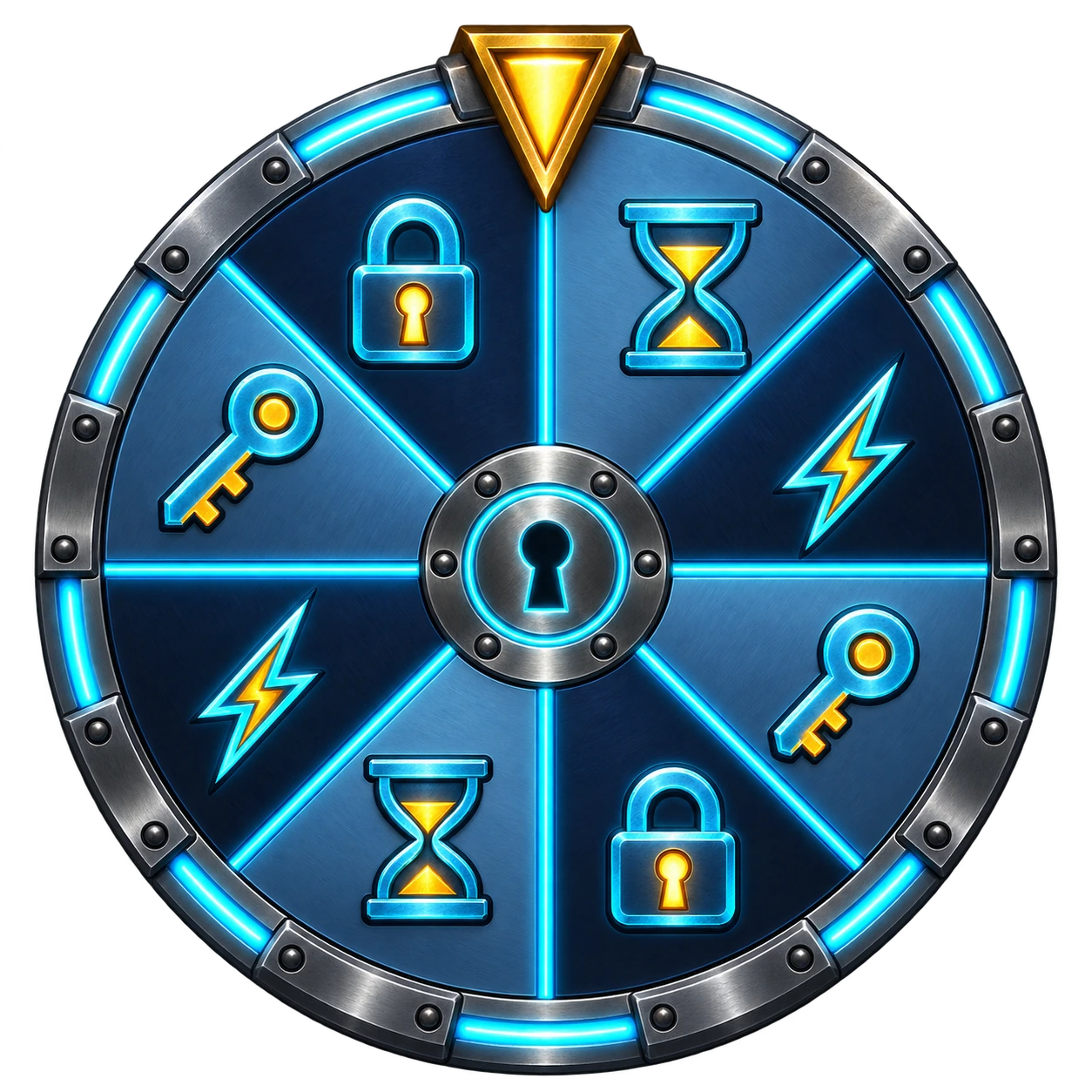
Wheel of Torture

Spin the wheel and see where it lands.

How a round works: Wheel of Torture

Spin the wheel; the segment it lands on decides the result. Outcomes include time changes, multipliers and a frozen timer.

A spin can make your lock shorter or longer. The possible outcomes depend on the wheel mode and your settings.

Chance

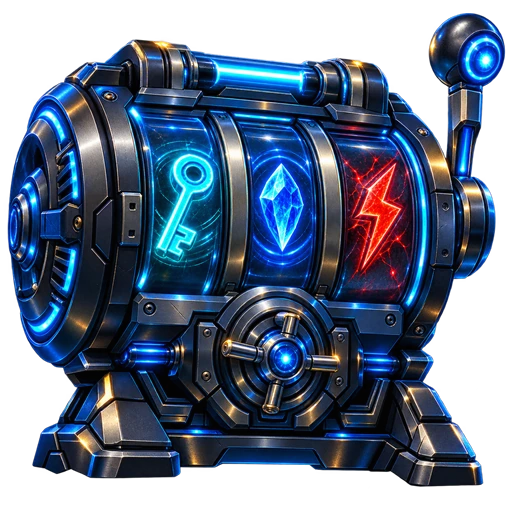
Warden’s Vault Reels

Stake lock time and set the reels spinning.

How a round works: Warden’s Vault Reels

Choose a stake in lock time and spin the reels. The symbol combination determines the payout.

You stake time, not money. A payout can return time to you; without a winning combination, you lose the stake.

Risk

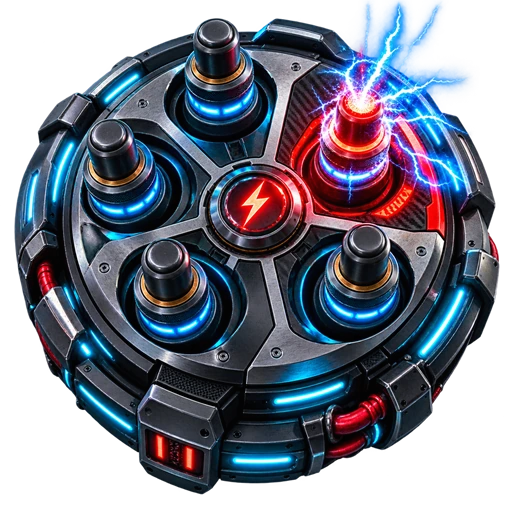
Shock Roulette

Bank your time reward or risk another round?

How a round works: Shock Roulette

After surviving a round, choose whether to bank your time reward or play again. Each further round increases the chance of a hit.

Cashing out removes remaining time. A hit adds time instead; connected devices may also react, depending on your device and settings.

See the other 12 games

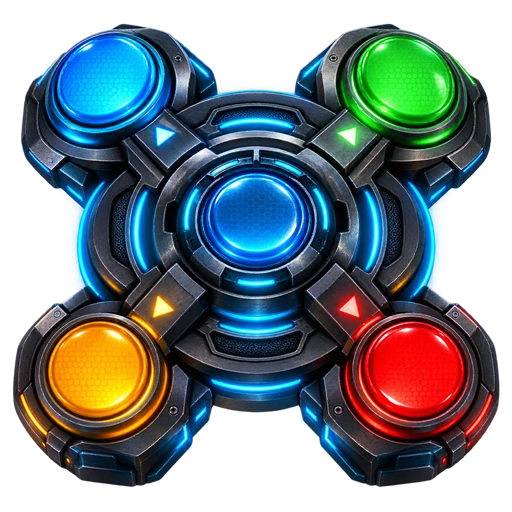
Simon Says

Remember the sequence and repeat it without a mistake.

Lockpick Pulse

Three pins, one attempt. Get the timing right for each one.

Reactor Balance

Keep three connected energy channels stable at once.

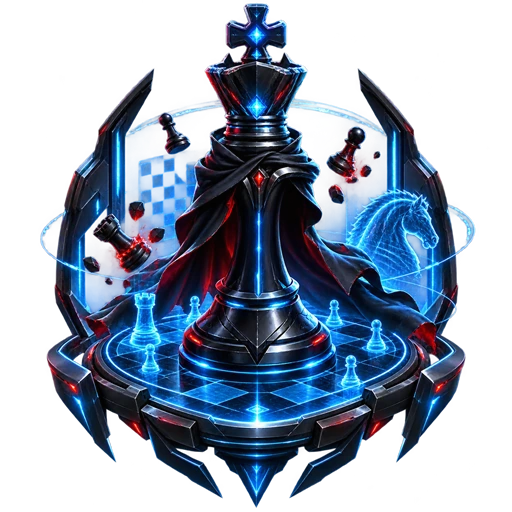
Warden Chess

Take over a difficult position and checkmate the Warden.

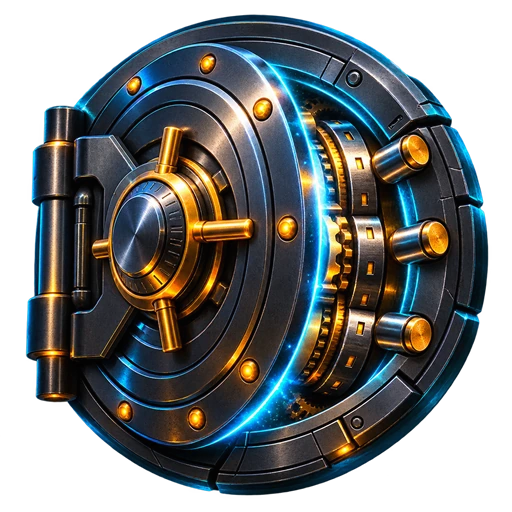
Vault Cracker

Crack the vault’s secret code.

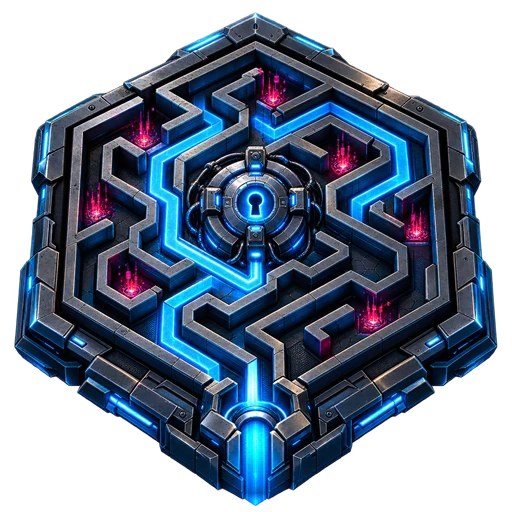
Warden Labyrinth

Find your way through the scanner maze.

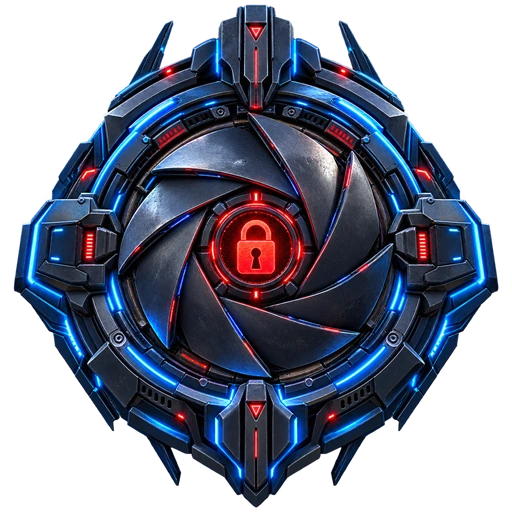
WardenLink Lockdown

Break into the Black Site across four phases.

Hot Wire

Keep the wire steady. You’ll need a careful hand.

Blackjack

Hit or stand – and try to beat the dealer.

Higher/Lower

Will the next card be higher or lower? Make your call.

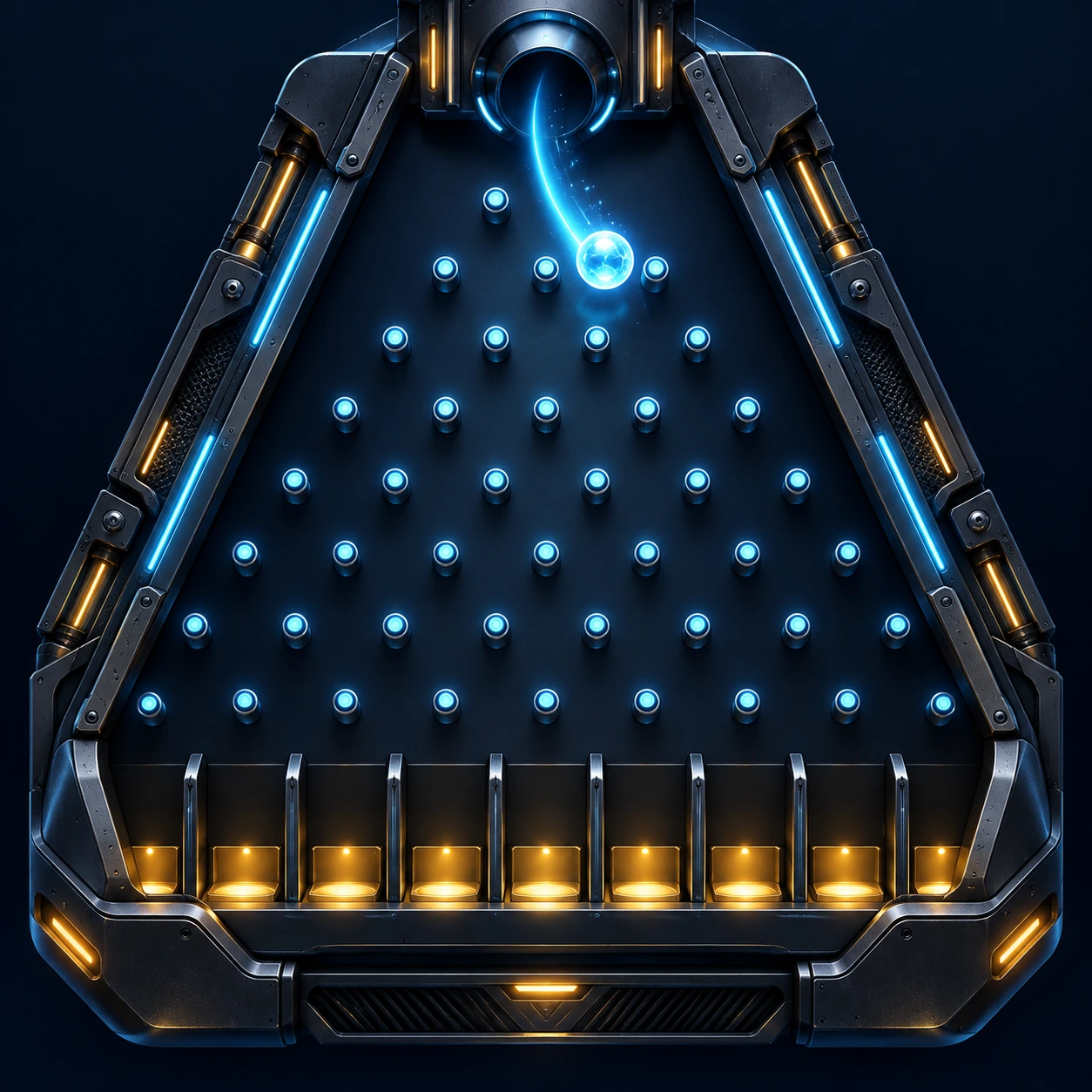
Flux Plinko

Drop the chip and follow its path down the board.

Truth or Punishment

Answer correctly or face the consequence.

You’ll also earn experience points, level up and unlock achievements, with rewards and cards to add to your inventory.

Available only in Timer Lock – not in Card Game, Quest or Story Lock. Enabled games and their effects depend on your session rules, settings and, where needed, connected devices.

Preview artwork for the upcoming Escape Room: an underwater station with a mechanical puzzle
COMING SOON

Escape Room

This one is still in the works. Search rooms, gather clues and combine tools to solve your way through the puzzles.

YOUR SESSION SETUP

Your devices.
Your setup.

Connect your devices, use fitness goals or look back at how your last few sessions went.

Devices and integrations

Connect supported QIUI/Lockink devices. Depending on your setup, Collar, Pearl Flower 2, Lovense and XToys integrations are also available.

Fitness goals

Optionally use steps, active calories or heart-rate data from Health Connect. Your watch or fitness app syncs the data first.

History and appearance

Review session summaries and longer-term trends. Choose the standard design or cyberpunk look, and adjust optional features in settings.

Available features depend on your device, mode and permissions. Health Connect does not connect WardenLink directly to your watch.

DOWNLOAD

WardenLink
for Android.

The app will be available here as a direct APK download.

ANDROID APP

Get started on your phone.

Download coming soon

The APK has not been uploaded yet.