
WardenLink

WARDENLINK FOR ANDROID

Your session.
Your rules?

ANDROID APP

Get started on your phone.

Download Build 390

WardenLink 1.0 · Build 390 · 338 MB

WardenLink is an Android app for chastity sessions with QIUI and LOCKINK devices, or a regular cage with a key safe. Vault Mode stores a combination or key location. Play solo, with Warden, with AI, or with a human keyholder. No smart device required.

Explore lock types
Cyan WardenLink logo on a dark background

LOCK TYPES

How will your
lock work?

Wait out a countdown, collect cards or complete a task. Choose what counts towards release when you start your session.

TIMER LOCK

The clock is running.

Set a duration and start the countdown. This is the only lock type with access to all 15 minigames. Depending on your settings, game results, your keyholder or AI can add or subtract time.

  • 15 minigames exclusive to Timer Lock
  • Show, hide or let your keyholder pause the timer
  • Review time changes in the history

Explore the Timer Lock games ↗
CARD GAME LOCK

Draw your next card.

Collect the green cards you need to reach your goal. Red cards and other card effects change the path along the way.

  • Configure your deck before you start
  • Different card types and effects
  • Track your progress through the cards you draw
QUEST LOCK

Reach your goal.

Work towards a specific goal: reach a step count, cover a distance, visit a location or check in at regular intervals.

  • Step counts and GPS distance
  • Location visits and regular check-ins
  • Optional fitness goals through Health Connect
STORY LOCK

Play through your story.

An AI-led story unfolds during your lock. Choose how to respond and work through the plot and its challenges.

  • Solo stories or stories with a keyholder
  • Decisions and tasks along the way
  • Optional narration using text-to-speech

Release follows your chosen lock type and session rules. Story Lock requires a compatible AI provider. Quest goals depend on available sensors and permissions.

WITH YOUR KEYHOLDER

Bring your
keyholder along.

Link your profiles so your keyholder can follow your lock, adjust time, set tasks or just chat with you. The controls they get depend on your setup.

01

Manage locks

For Timer Lock, your keyholder can adjust, pause or hide the timer. Card Game has its own card controls. Device actions depend on the connected device and granted permissions.

02

Tasks and proof

Your keyholder sets a task; you send the proof they’ve asked for. You can both see what’s still outstanding in the app.

03

Chat directly

Need to agree on something or ask a quick question? Your chat is right there in the app.

04

More than one wearer?

Switch between your linked wearers from one overview. Open their sessions or adjust their individual AI settings.

WARDEN PRIME

You play.
The Warden responds.

Even when you play solo, the Warden can keep you on your toes. Warden Prime sets challenges and reacts to how you do. It’s built into the app and runs on game rules, not AI chat.

01

How strict should it be?

Lenient or strict? You choose the Warden’s approach. When it steps in also depends on how your session is going.

02

A round with consequences

In Timer Lock, Prime can set a minigame challenge with a deadline. A win can take time off your lock. A loss can add more.

03

Can you make a deal?

Prime can offer you deals. Depending on your settings, there may be rewards, extra time or a frozen timer.

04

It remembers how you’re doing

Wins, losses and whether you kept an agreement affect what happens next. Check the Prime overview for trust, pressure and your current challenges.

Warden Prime is separate from the AI keyholder. Prime uses built-in game rules; choose the AI keyholder if you want conversations with a custom AI character.

AI KEYHOLDER

Find a personality
that suits you.

Pick a character or create your own. Talk to your AI keyholder about your lock, ask for a task or try to negotiate some time off.

01

Choose a personality

Pick a preset character or customise their conversation style, manner and appearance.

02

Talk about your session

Ask about your progress or negotiate. Depending on your mode and settings, the AI can influence your timer, cards and tasks.

03

Don’t start from scratch

In persistent mode, memories of your relationship carry over to the next session. There are check-ins and rituals, too.

04

Connect your AI provider

Add your API key from a supported provider. You can set up voice output and image analysis separately if you want them.

Persistent mode needs a compatible chat provider and your own API key. Voice and image features depend on the provider.

IN-APP COMMUNITY

Meet people.
Share your sessions.

Who else is here? Browse profiles, meet other wearers and keyholders, and say hello. If you want, you can let the community have a say in your lock, too.

Profiles and friends

Set up your profile, discover other wearers and keyholders, and send friend requests.

Chats

Message your contacts right in WardenLink. No need to switch apps to have a conversation.

Quick Votes

Open a vote for an active Timer or Card Game Lock. Votes can add the amount of time or red cards set for that vote.

People can only vote once you open a Quick Vote. These work with Timer Lock and Card Game Lock.

Got a question or an idea?

Come say hello on Discord. Ask about the app, share feedback or chat with other users.

Join our Discord ↗

Questions, feedback and conversation.

15 MINIGAMES · TIMER LOCK ONLY

Time for
another round?

Still time on the clock? Spin the Wheel of Torture, try the reels or take a chance on Shock Roulette. All 15 minigames are exclusive to Timer Lock. Depending on the game and your settings, you could lose some lock time – or end up with more.

Chance

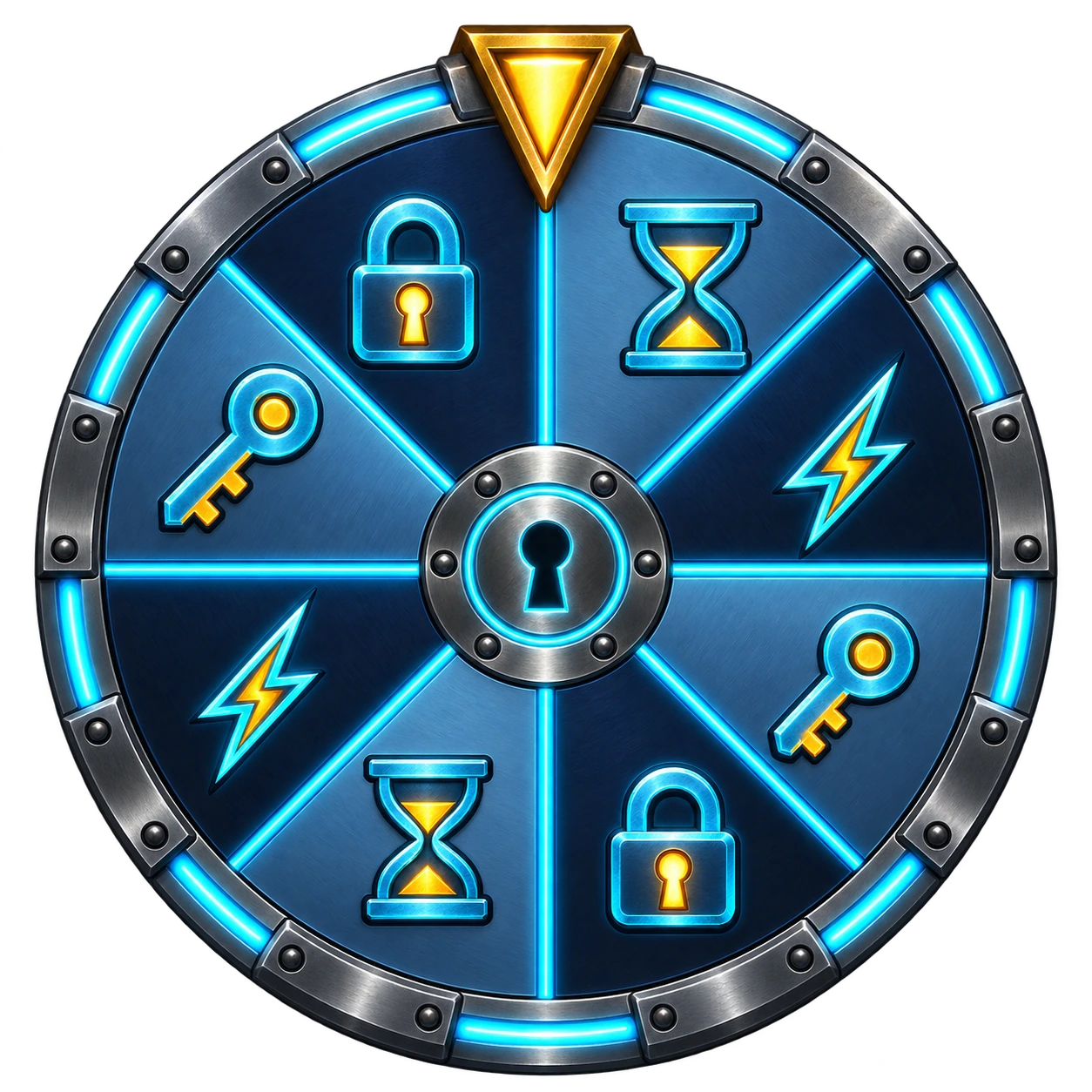
Wheel of Torture

Spin the wheel and see where it lands.

How a round works: Wheel of Torture

Spin the wheel; the segment it lands on decides the result. Outcomes include time changes, multipliers and a frozen timer.

A spin can make your lock shorter or longer. The possible outcomes depend on the wheel mode and your settings.

Chance

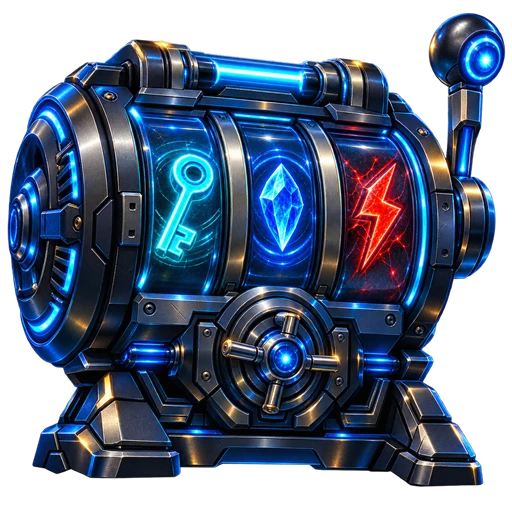
Warden’s Vault Reels

Stake lock time and set the reels spinning.

How a round works: Warden’s Vault Reels

Choose a stake in lock time and spin the reels. The symbol combination determines the payout.

You stake time, not money. A payout can return time to you; without a winning combination, you lose the stake.

Risk

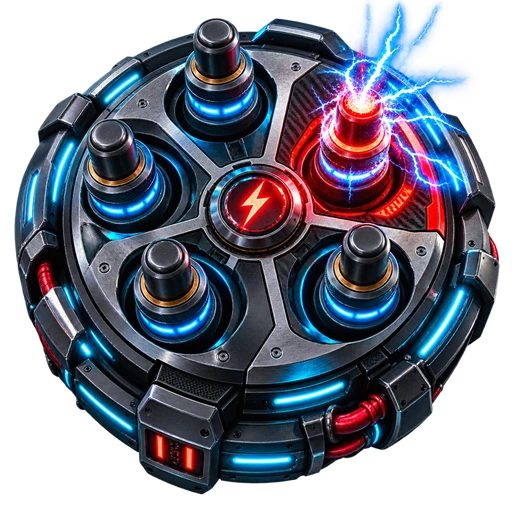
Shock Roulette

Bank your time reward or risk another round?

How a round works: Shock Roulette

After surviving a round, choose whether to bank your time reward or play again. Each further round increases the chance of a hit.

Cashing out removes remaining time. A hit adds time instead; connected devices may also react, depending on your device and settings.

See the other 12 games

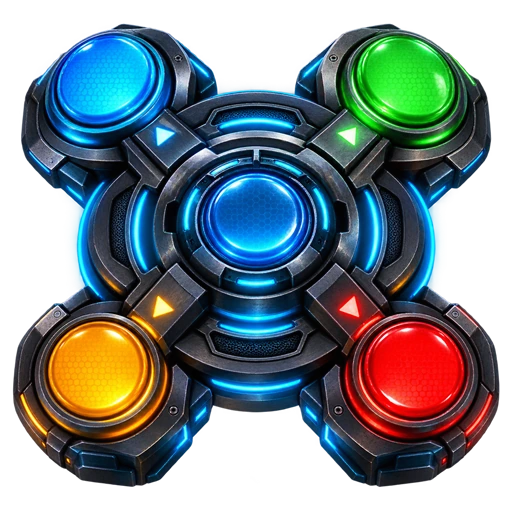
Simon Says

Remember the sequence and repeat it without a mistake.

Lockpick Pulse

Three pins, one attempt. Get the timing right for each one.

Reactor Balance

Keep three connected energy channels stable at once.

Warden Chess

Take over a difficult position and checkmate the Warden.

Vault Cracker

Crack the vault’s secret code.

Warden Labyrinth

Find your way through the scanner maze.

WardenLink Lockdown

Break into the Black Site across four phases.

Hot Wire

Keep the wire steady. You’ll need a careful hand.

Blackjack

Hit or stand – and try to beat the dealer.

Higher/Lower

Will the next card be higher or lower? Make your call.

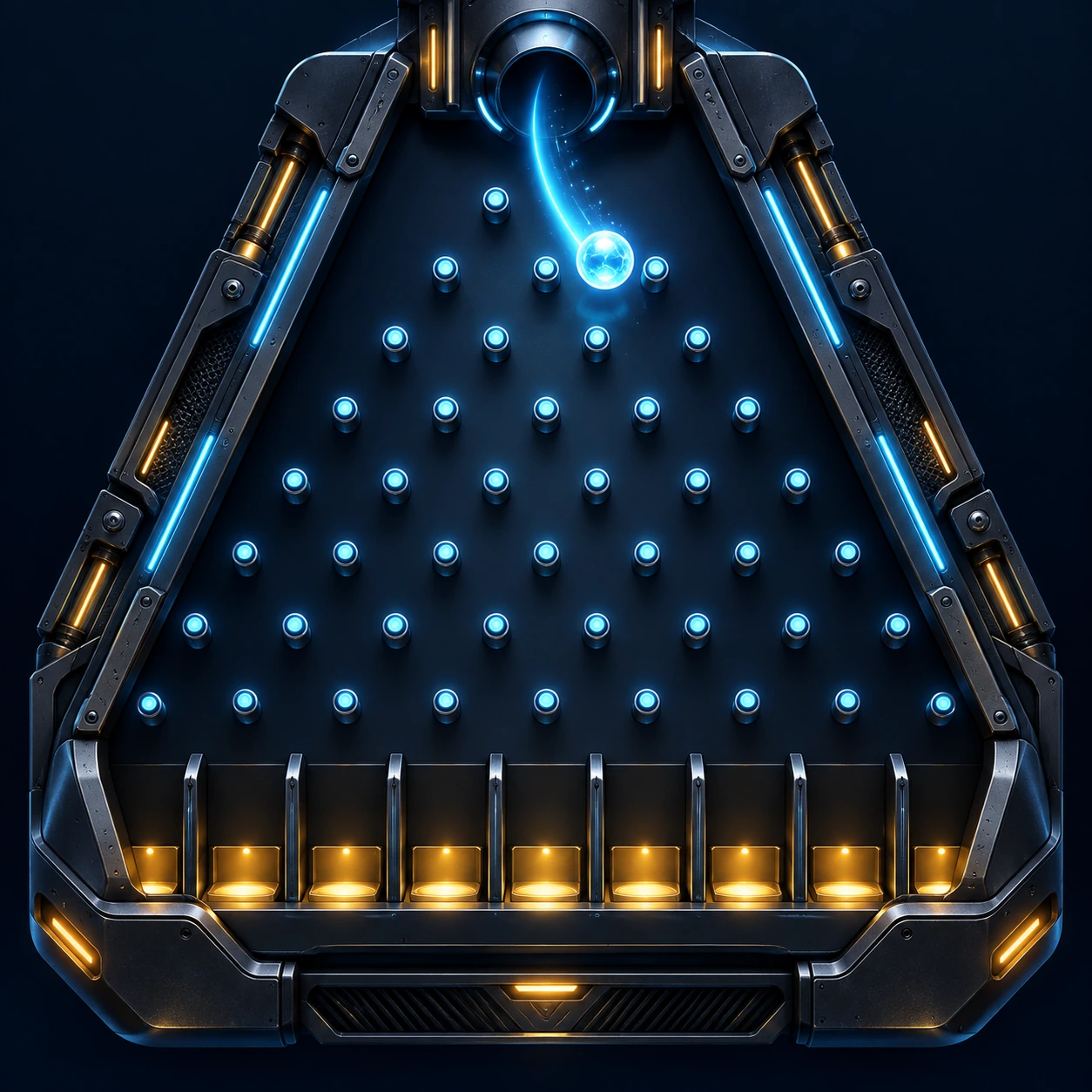
Flux Plinko

Drop the chip and follow its path down the board.

Truth or Punishment

Answer correctly or face the consequence.

You’ll also earn experience points, level up and unlock achievements, with rewards and cards to add to your inventory.

Available only in Timer Lock – not in Card Game, Quest or Story Lock. Enabled games and their effects depend on your session rules, settings and, where needed, connected devices.

YOUR SESSION SETUP

Your devices.
Your setup.

Connect your devices, use fitness goals or look back at how your last few sessions went.

Devices and integrations

Connect supported QIUI/Lockink devices. Depending on your setup, Collar, Pearl Flower 2, Lovense and XToys integrations are also available.

Fitness goals

Optionally use steps, active calories or heart-rate data from Health Connect. Your watch or fitness app syncs the data first.

History and appearance

Review session summaries and longer-term trends. Choose the standard design or cyberpunk look, and adjust optional features in settings.

Available features depend on your device, mode and permissions. Health Connect does not connect WardenLink directly to your watch.

DOWNLOAD

WardenLink
for Android.

WardenLink 1.0, Build 390. Universal Android APK for ARM64 and ARMv7, approximately 338 MB.

ANDROID APP

Get started on your phone.

Download coming soon

The APK has not been uploaded yet.

VERSION HISTORY

What’s new?

Changes and improvements to WardenLink, version by version.

WardenLink 1.0 Build 390Breachball · Vault Breach · Multiball · OverloadLatest versionView changelog
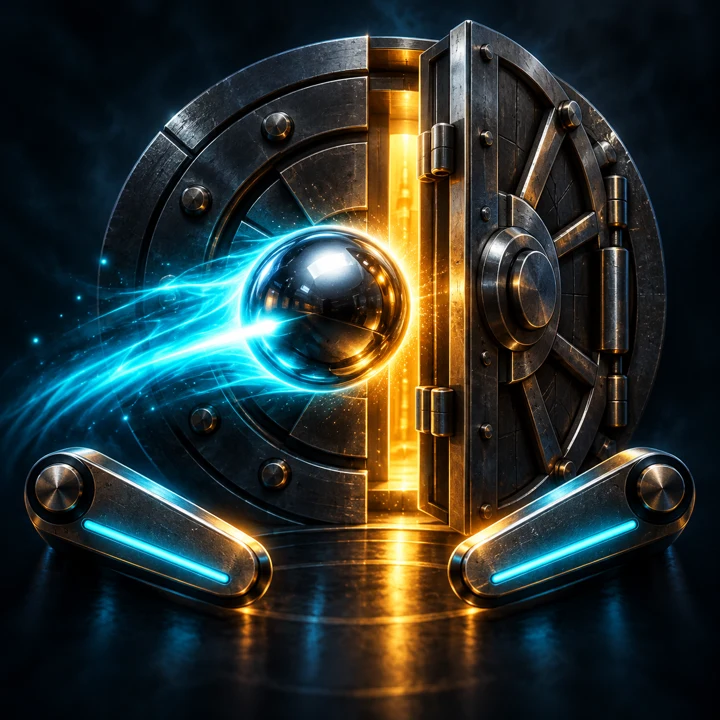
Breachball: pinball in front of an open vault

Breachball

Vault Breach · Multiball · Overload

A complete pinball game inside WardenLink. Start with three balls, break through the Warden’s security machine and work through ramps, relays and missions toward the Warden Zero finale. Every hit, bonus and jackpot contributes to your final score.

Explore the table

Vault Breach & Escape

Light all three relays, then shoot the open vault. A breach increases your multiplier, starts a double-scoring bonus and awards an extra ball on your first breach. During the bonus, the right ramp leads onto the Escape bridge for more points.

Lockdown Multiball

Lock one ball in each ramp. The next ramp shot starts Lockdown with three balls in play. Collect ramp jackpots while at least two balls remain.

Overload & Super Jackpots

Twelve bumper hits charge the core. Scoring rises from ×2 to ×5 during an 18-second Overload. Afterwards, a timed shot at the Center Scanner awards a Super Jackpot.

Six missions. One finale.

Security Sweep, Access Sequence, Power Surge, Blind Spot, Crosslink and Containment Override take you through the table’s mechanics. Finish all six to face Warden Zero: relays, multiball, vault and Escape. Completed missions survive ball losses within the same run.

Flippers, Magnet & Nudge

Control both lower flippers independently; the right button also operates the upper flipper. Capture a ball with the magnet, aim and fire it back into play. Nudge using buttons or your phone’s motion sensor. Too many nudges trigger Tilt and temporarily disable the flippers.

Sound, haptics & personal best

Voice announcements, sound effects and optional haptic feedback accompany your run. Your personal best is saved. Switching to the background pauses the game; an active lock timer keeps running.

Your score. Your remaining time.

In an ordinary run, reach 300,000 points to remove 3% of the remaining time measured at the start. Each additional 200,000 points increases the reward by 1%, up to 7%. Finishing below target or abandoning the run adds a 5% penalty. Time changes are applied only at the end of the complete run. Without an active lock, you play without a time adjustment.

Keyholder and Warden assignments, too

Your keyholder, Warden or AI keyholder can set a target score with its own time reward and penalty. With a compatible device and granted permissions, an optional zap on failure is also available. The displayed assignment terms replace the ordinary percentage stakes for that run.

More changes

Also in Build 390: Dashboard & usability
  • The OTA update banner is back at the top of both the wearer and keyholder dashboards.
  • Remote quests recognize the connected keyholder as the reviewer for photo proof.
  • Location, sensor and Health Connect prerequisites are checked on the wearer’s phone when a remote quest starts. The keyholder is no longer blocked by settings on their own phone.
  • The paused original session remains visible to the keyholder during a temporary session. Another nested switch is not offered.
  • Breachball displays the assignment issuer during an ongoing game, too.
  • Hot Wire keeps the difficulty name readable on narrow screens with large text.
  • Remote-action feedback is localized in English and German and correctly describes the action being performed.
New devices & Combi Lock
  • Added support for ThrillCage and KeyPod Metal.
  • Combi Lock lets you split locking and device effects between two devices: for example, lock and unlock through a KeyPod, KeyPod Metal or LOCKINK Blackbox, with shock/vibration through ThrillCage.
  • Setup, device assignment and keyholder controls account for these separate functions.
  • Improved registration, account binding and restoration of directly connected Bluetooth devices.
  • ThrillCage gains dedicated shock and vibration controls, additional vibration modes and status displays.
New: Keyholder card-inventory controls
  • Keyholders can view the wearer’s card inventory and add or remove cards.
  • One card can be removed without replacement every twelve hours.
  • Each added card allows an additional removal of the same rarity. Cooldowns and replacement credits are saved.
Hot Wire completely redesigned
  • Guide a ring along the wire using a separate control pad.
  • Play a new, varied course on every run.
  • Contact with the wire generates heat; cooling stations let you recover.
  • New graphics with depth, lighting, shadows and contact effects, plus optional game sound.
  • Protected game state during screen rotation and background transitions.
  • Fixed issues with game-result settlement.
Minigames: Improvements & fixes
  • Clearer layouts and more playing space in Hot Wire, Vault Reels and Flux Plinko.
  • Vault Reels: Updated reel surround and more compact speed controls, including bonus mode.
  • Shock Roulette: Increased hit risk and reduced time rewards. Cashing out after round 1 is available with a Shockwave penalty; from round 2 onwards, this exit penalty no longer applies.
  • Exiting after round 1 requires a reachable, shock-capable device. Availability is checked again immediately before payout, including whether phone Bluetooth is switched off.
  • Higher/Lower: Time rewards and penalties are reliably applied after the first correct guess as well.
  • Further input is blocked after a loss, and the actual drawn card is displayed correctly.
  • Rotating the screen no longer resets an ongoing Higher/Lower round.
  • Leaving after a win or successfully completing the deck no longer causes an additional loss.
Geofencing & Curfew
  • Clearer setup and keyholder controls for location rules.
  • Improved presentation of allowed areas, restricted areas, schedules and monitoring status.
  • Overnight schedules and all-day rules are handled correctly.
  • Location rules can use time penalties or optional zaps as consequences, including rules configured by the keyholder. Device actions require the relevant permissions.
  • Inaccurate, stale or invalid GPS readings do not count as confirmed violations.
  • Keyholders can more clearly see whether monitoring is actually active and reporting current location data.
  • Rules, acknowledgements and running grace periods are synchronized and restored more reliably.
Custom Quests & Scavenger Hunt
  • Clearer setup for step, distance, location, check-in and scavenger quests.
  • More reliable validation of targets, location radii and lock duration. Switching quest types no longer retains unrelated permission requirements.
  • Location objectives account for GPS accuracy and freshness.
  • Quests complete only after the actual objective and all required proof have been fulfilled.
  • Scavenger hunts correctly account for required visits and photo proof at each checkpoint.
  • Progress, visited checkpoints and proof status are preserved more reliably after restarting.
  • Keyholder changes to quest targets are processed more consistently.
CardGameLock
  • Revised cooldown and card-effect handling: gameplay follows card progress, Red/Sticky cooldowns and Freeze.
  • Draw accumulation can be configured correctly before starting the lock.
  • Saved draws let you continue immediately after Red or Sticky. Remaining credit is preserved.
  • Freeze clears draw credit and suspends further accumulation.
  • Each tap reliably draws exactly one card and consumes at most one saved draw.
  • Draw credit and Freeze state are restored correctly after restarting.
  • Clearer Double Up description matching the card’s effect.
  • Deck changes and keyholder actions protect required green cards and prevent unreachable unlock objectives.
Timer Lock
  • Frozen timers show their saved remaining time on the wearer dashboard instead of incorrectly displaying 00:00.
  • Time adjustments correctly account for paused and frozen timers.
  • Expired timers can no longer be extended by stale remaining-time values.
  • Outdated local timer data cannot prematurely end a timer that is still running.
  • Keyholder time adjustments are bound more reliably to the correct session; duplicate commands are not applied repeatedly.
  • More consistent checks for permissions, cooldowns and valid time values.
  • Improved start summary, device assignment and displayed total duration.
Keyholder session switching
  • Improved switching from an ongoing session to a temporary session and returning afterwards.
  • The original remaining time, Freeze state and pause state are preserved.
  • Minigame settings, progress and AI-keyholder configuration are restored on return.
  • An old timer can no longer prematurely end a temporary CardGameLock.
  • More reliable handling of parallel starts, outdated commands and failed save operations.
  • Interrupted switches can recover after restarting the app.
  • The paused original session remains visible while the temporary session is running.
  • Resume and discard actions respect the current switch status; discarding requires confirmation.
AI keyholder & device fixes
  • AI-assigned games now complete correctly after a Hot Wire win or loss, and after a full Vault Reels round including bonus spins.
  • Completed game requirements no longer leave behind a start challenge that could later trigger an incorrect timeout penalty.
  • Expired game requirements update promptly on the dashboard.
  • Improved handling of AI assignments and conversational instructions.
  • Cellmate 2: Self Shock no longer fails solely because no local serial number is saved.
WardenLink 1.0 Build 365NØRA: Escape Room, Co-op and PvPView changelog
NØRA: an underwater station with mechanical puzzles

NØRA: Escape Room

Solo · Co-op · PvP

An underwater station, four rooms and twelve puzzles. NØRA combines exploration with a story and interactive mechanisms. Find your way through the station alone or work together with your keyholder. Three PvP games are also available for direct challenges.

Explore NØRA

Solo: Explore the station

Search four rooms, examine clues and work through twelve puzzles. The story and the station’s mechanisms guide your progress.

Clues & mechanisms

Observe your surroundings, collect evidence and connect the information. Adjust the instruments, check your solution and use the staged hints when needed.

Co-op: Two roles, one goal

The wearer explores the station while the keyholder operates mission control. Each has different information, so communication is essential to progress together.

Operate the systems together

Arrange modules, adjust switches and controls, decode symbols or connect circuits. Your partner’s clues help you find the right settings.

An existing timer takes a break

In new co-op campaigns, an existing Timer Lock is paused. After completion, it resumes with its saved remaining time plus the time penalties earned during the campaign.

PvP: Challenge each other

Play Tic-Tac-Toe, Connect Four or Battleship against your keyholder or wearer. These direct challenges complement the cooperative escape-room experience.

Explore solo or solve puzzles together?

In solo mode, you solve the puzzles yourself. In co-op, wearer and keyholder depend on each other: share information, coordinate instruments and work out the station together.

Returning to your timer after co-op

The new co-op campaign interrupts an existing Timer session. Its remaining time is saved for your return; earned penalties are added afterwards. Both players should use the current app version for multiplayer.